Vibe
⚡ AI-Driven Development

Built with Vibe Coding.

A React Native SaaS app where every feature is shipped through AI agents following a strict architecture playbook — from Figma design to production PR in one automated loop.

5+ Feature modules
35+ Automated tests
60+ Architecture rules
0 Hardcoded strings

Delivered in 1 week — from first Figma frame to production-ready codebase with full test coverage, docs, and architecture in place.

App Screens

The actual product.

Every screen designed in Figma, built by AI agents, shipped to production.

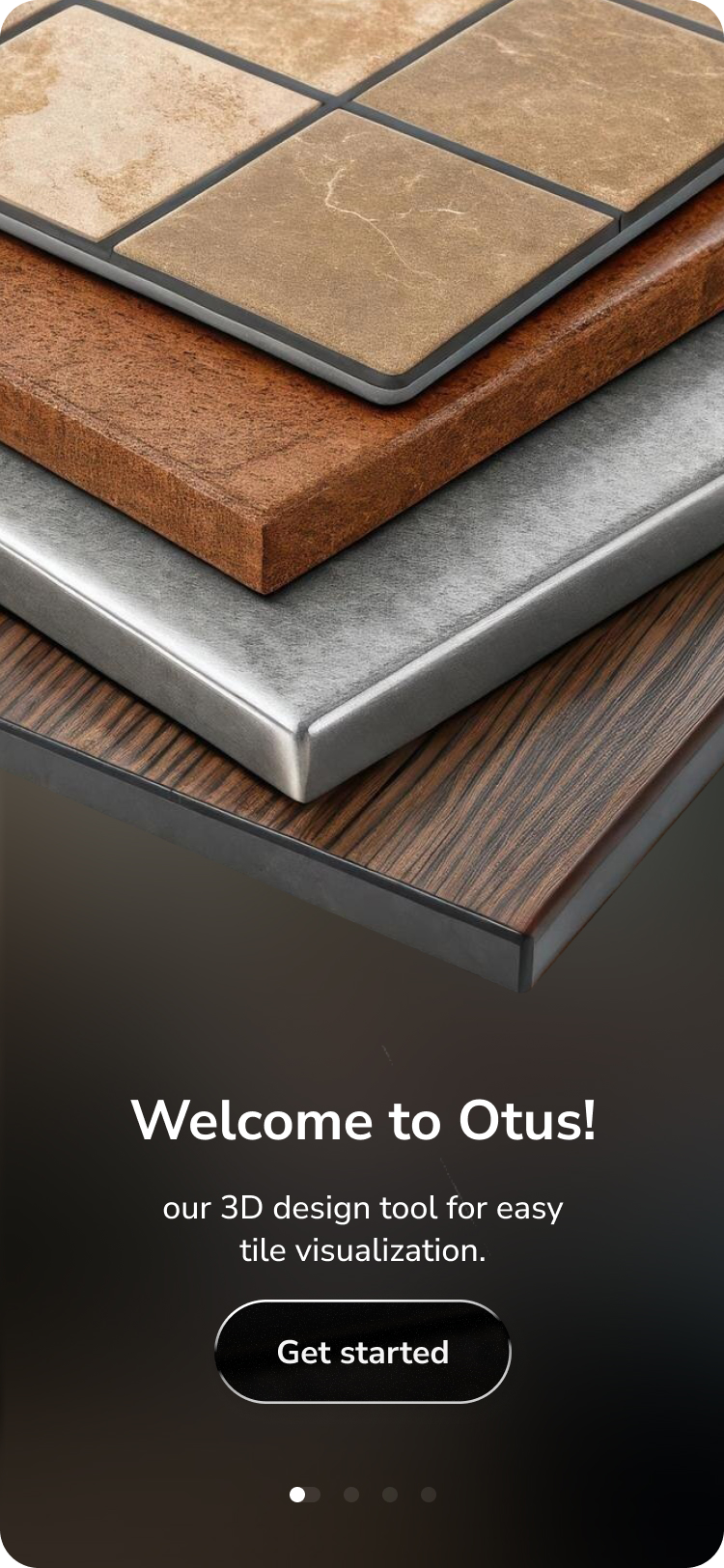
Splash screen
Splash
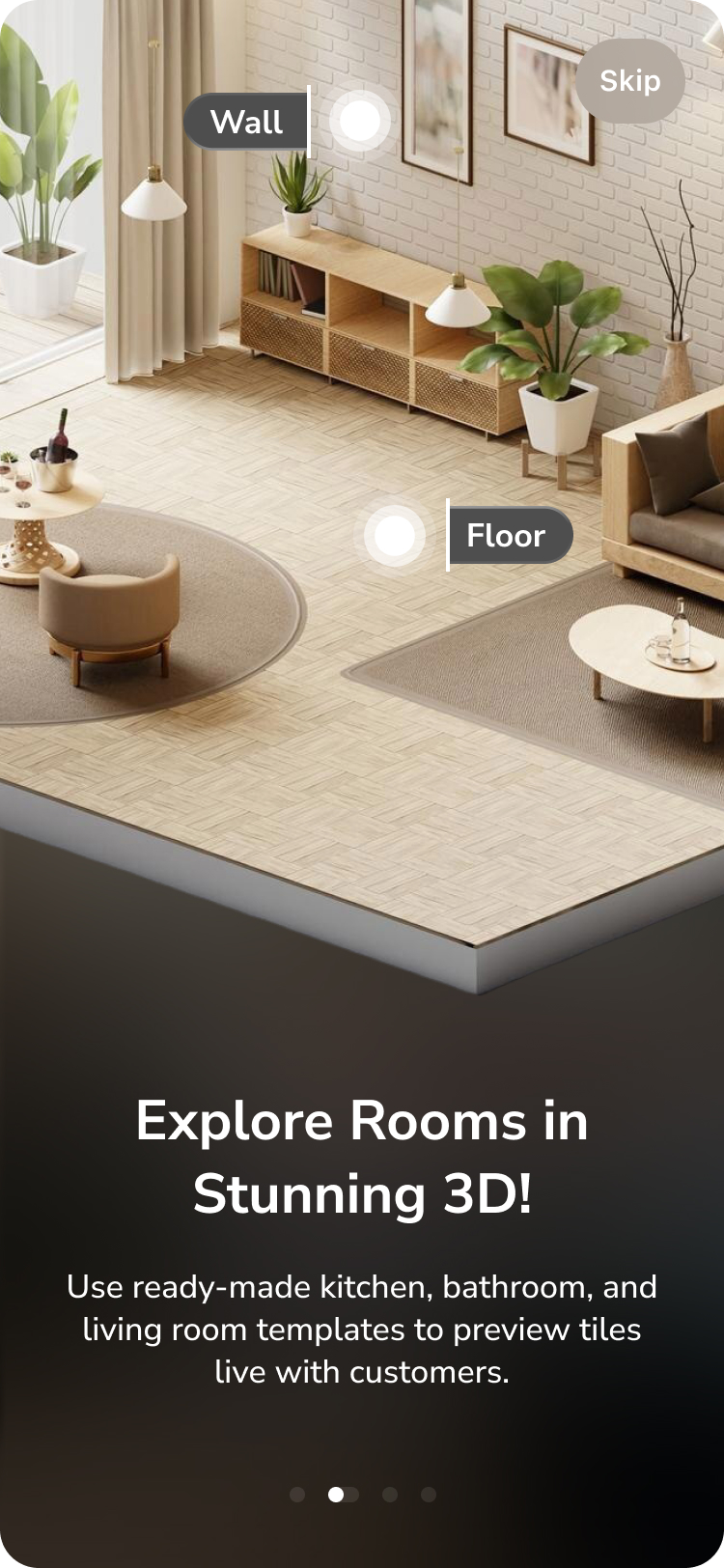
Onboarding step 1
Onboarding 1
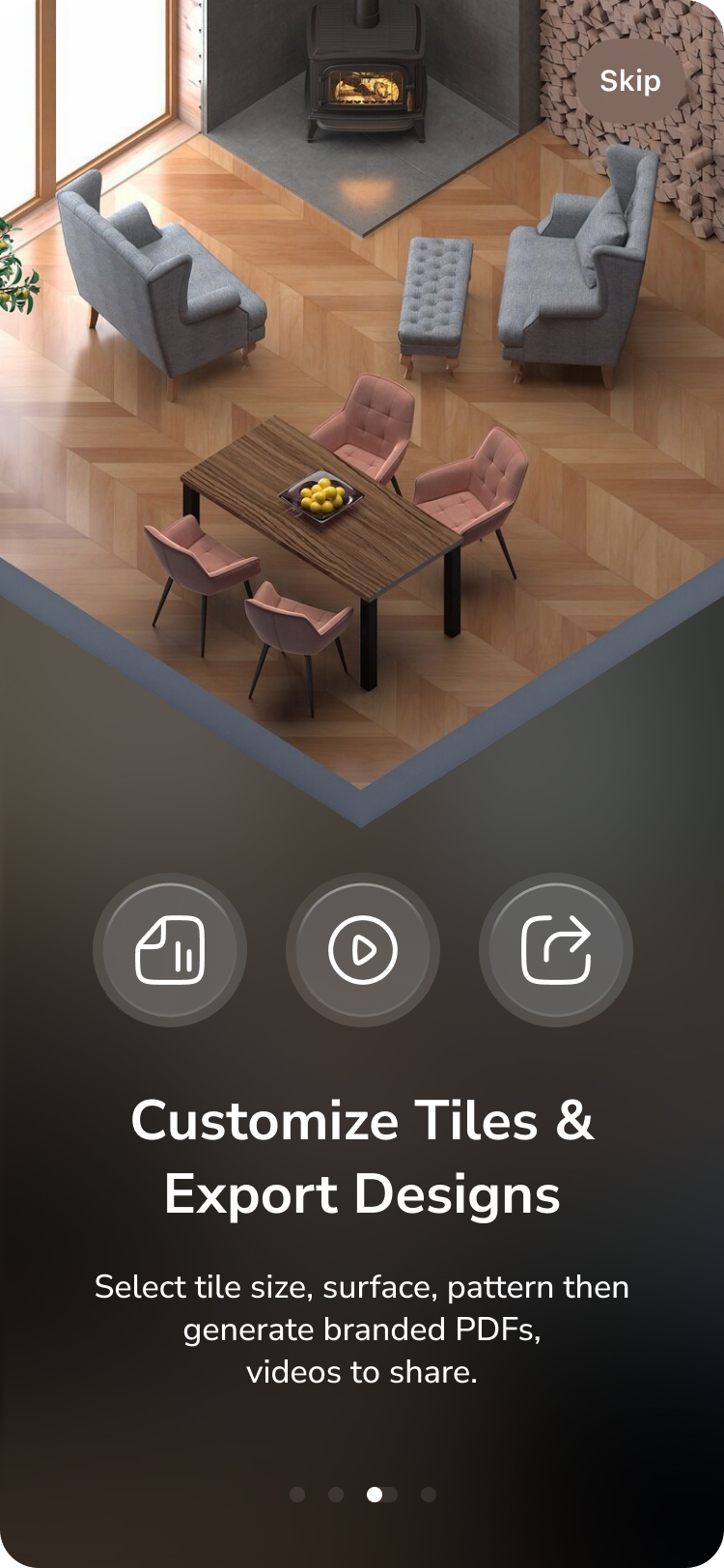
Onboarding step 2
Onboarding 2
Onboarding step 3
Onboarding 3
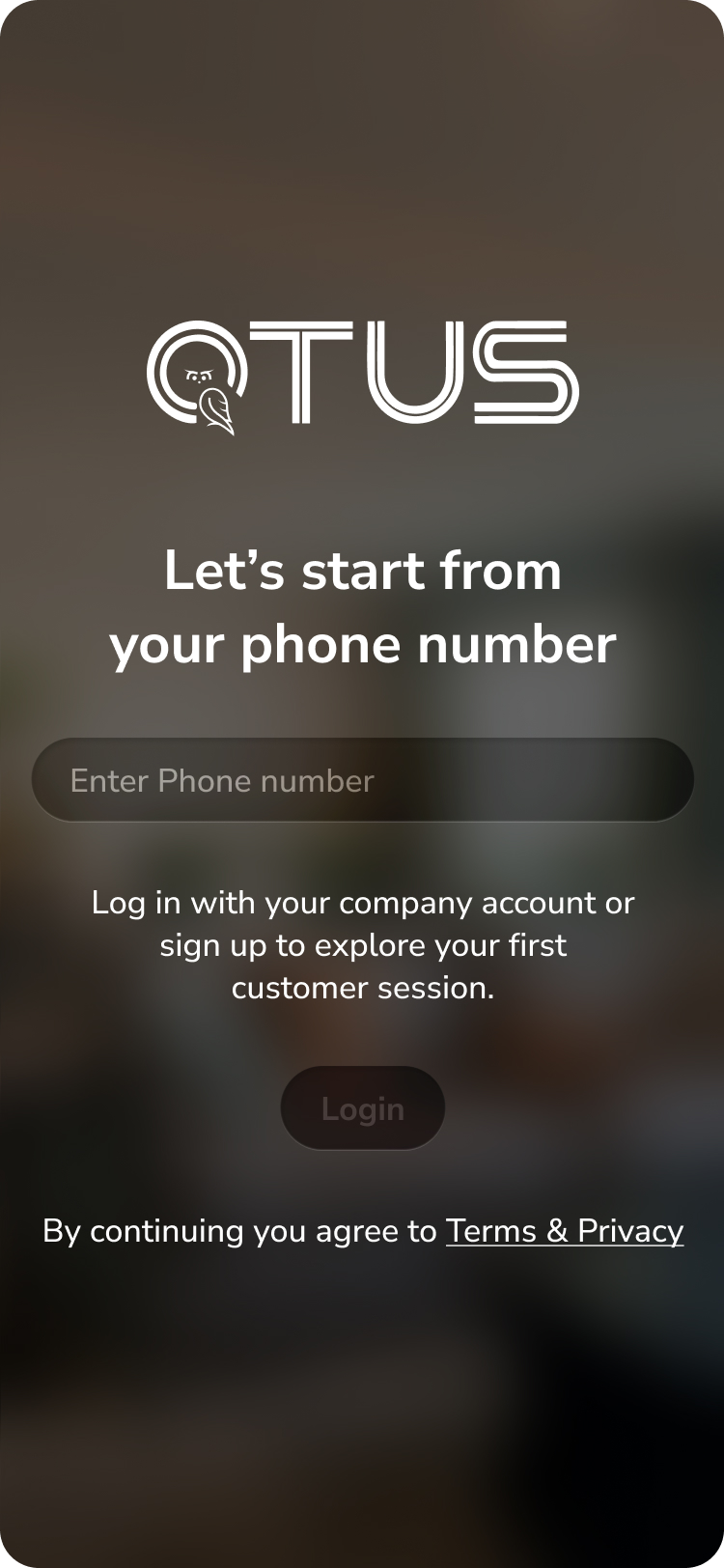
Login screen
Login
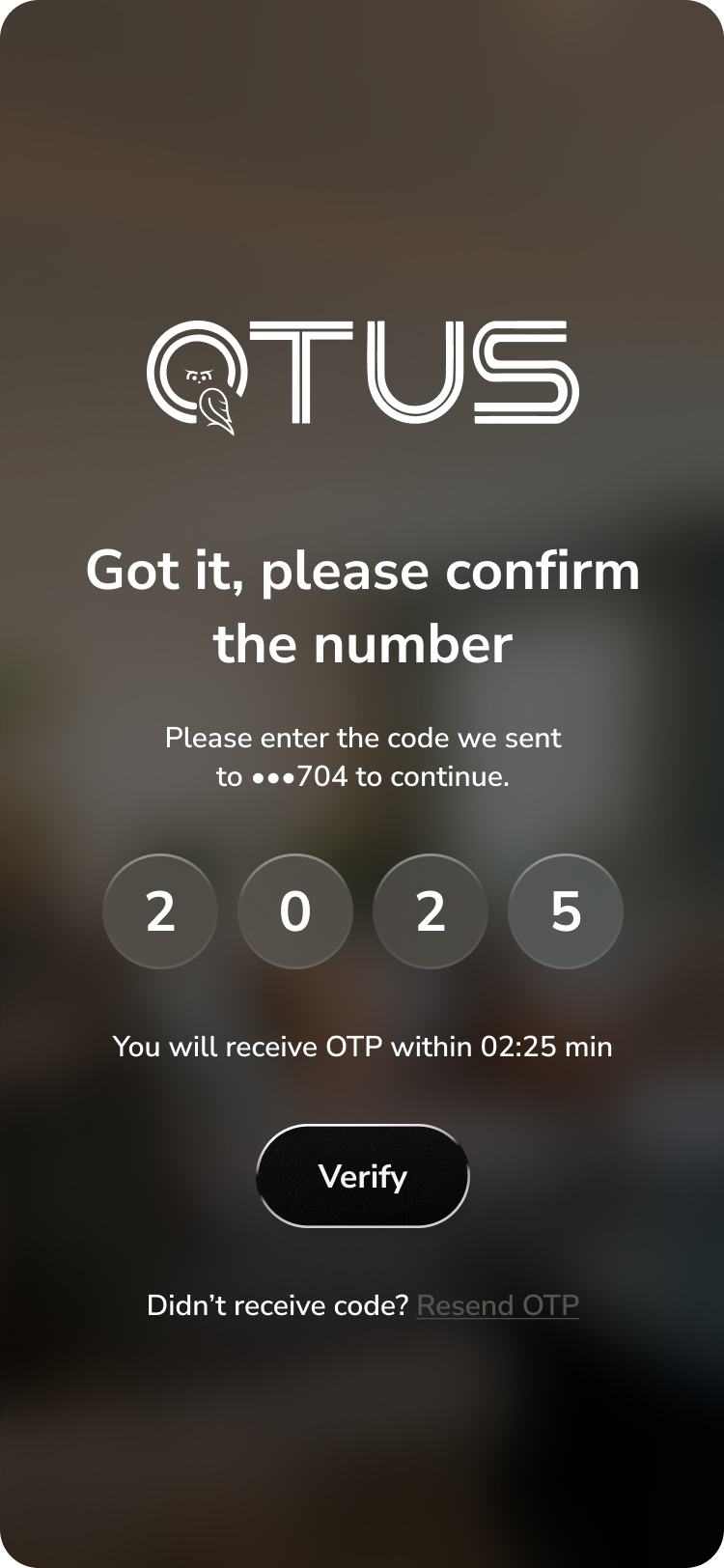
OTP verification
OTP Verify
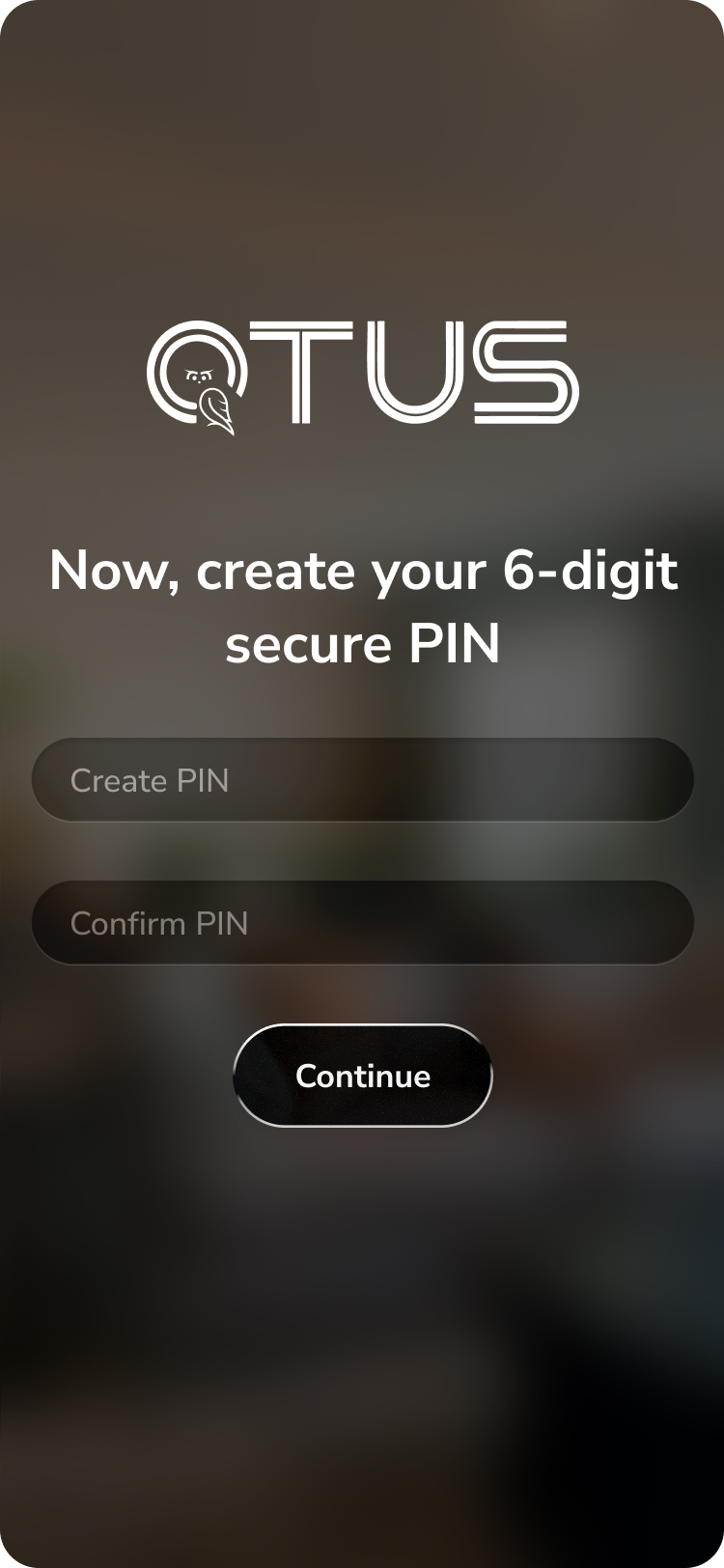
Create PIN
Create PIN
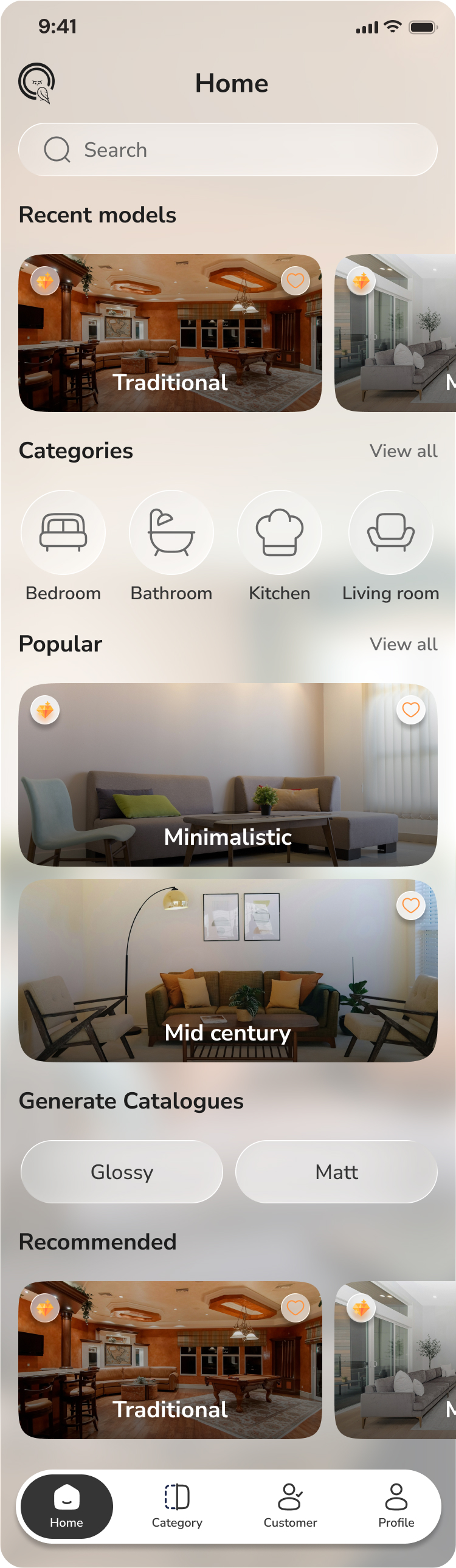
Home screen
Home
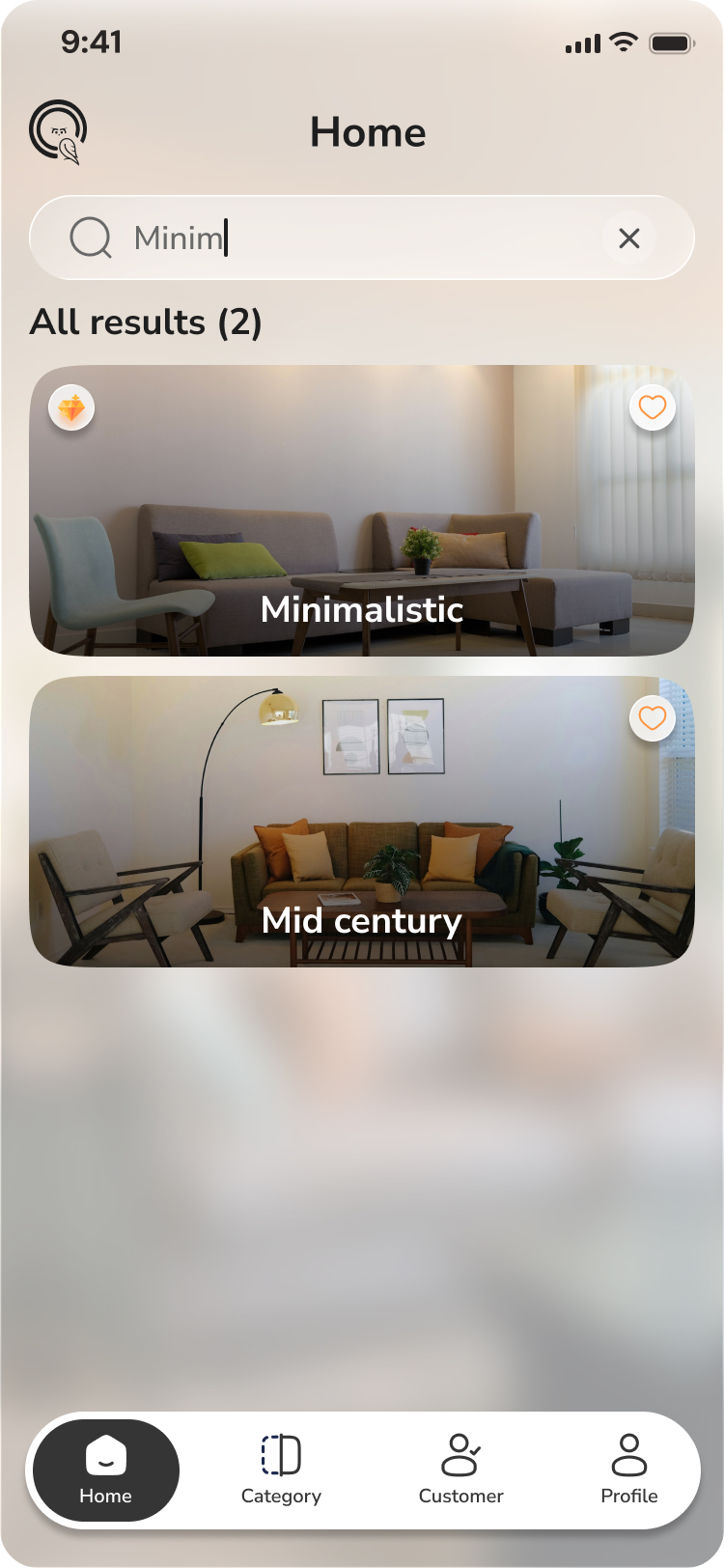
Home with search
Search
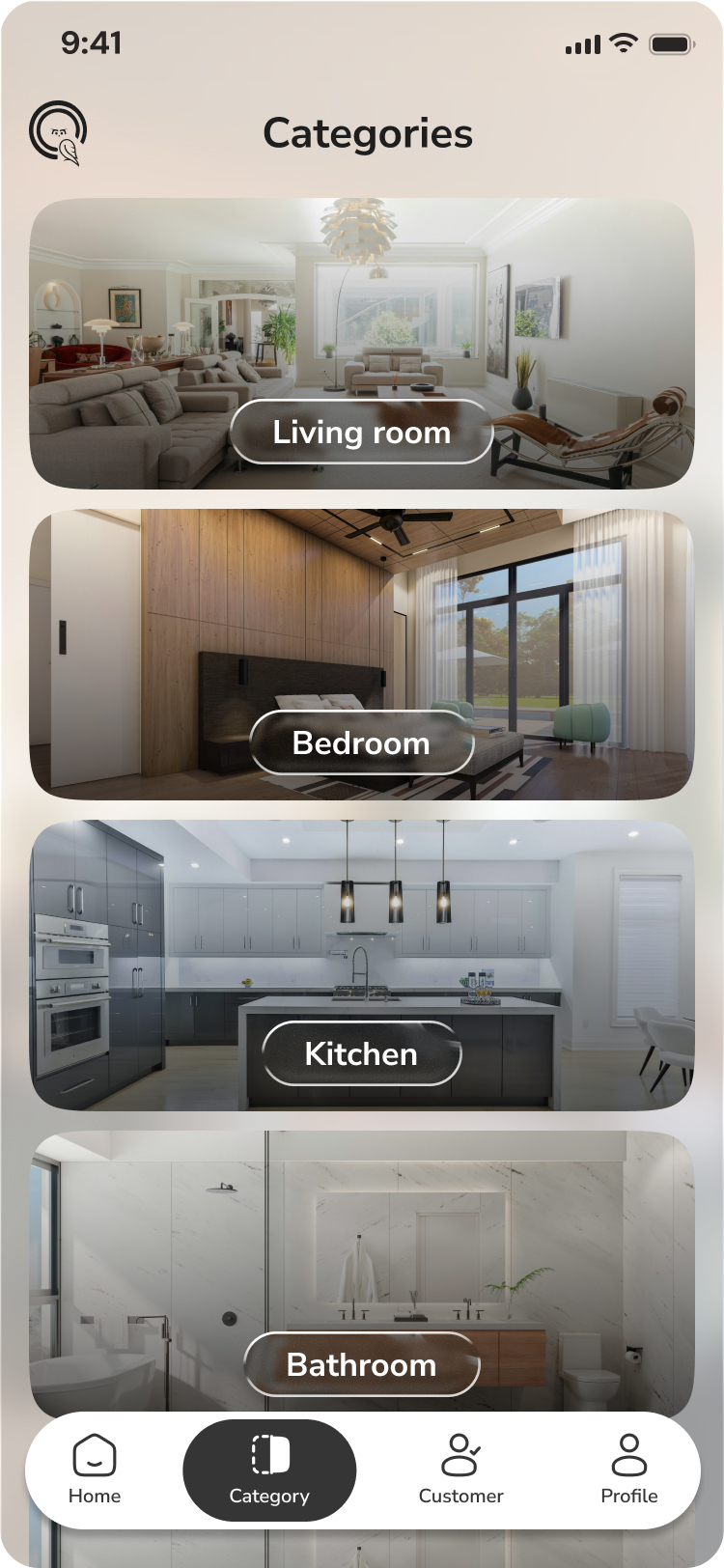
Category list
Categories
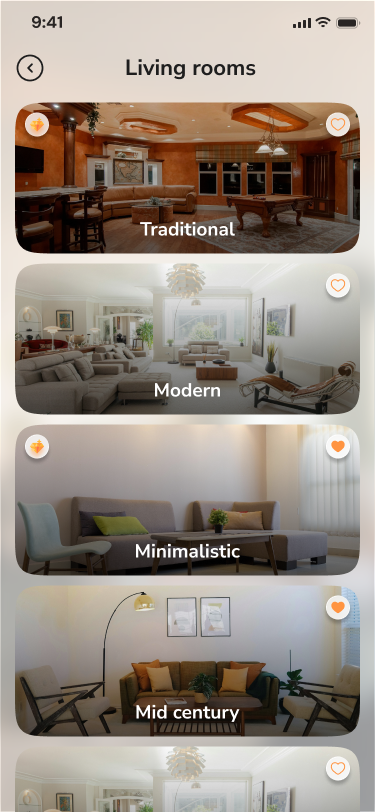
Category detail
Category Detail
What This Means For You

Built to last.
Easy to grow.

Vibe coding isn't just about speed. It's about shipping a product that is consistent, testable, and ready to scale — without technical debt piling up from day one.

01

Faster delivery, every feature

From Figma design to a working, tested screen in a fraction of the time. No boilerplate, no guessing — the AI agent follows your playbook and ships.

02

Predictable, documented quality

Every feature ships with tests, accessibility, multi-language support, and a feature doc — not as an afterthought, but enforced by the process itself.

03

Any developer can pick it up

Strict module boundaries, typed navigation, and 60+ enforced rules mean no hidden knowledge. A new developer — or an AI — can onboard and contribute in hours.

Development Process

The Vibe Coding
Workflow.

A developer describes a feature in plain language. The AI agent reads the Figma design, follows the architecture rules, implements the code, writes tests, updates docs, and opens a pull request — no boilerplate, no guessing.

01
Figma Design
Screens, tokens & components captured
02
Feature Doc
Scope, flow, API contract, acceptance criteria
03
AI Agent
Claude / Cursor reads rules & implements
04
Auto Tests
Unit + integration tests written & run
05
Quality Gate
Lint, types, tests, docs sync
06
PR → Merge
Reviewed, merged, shipped
AI agent implementation loop
flowchart TD A([Figma Design\nframes + tokens]) --> B[Feature Doc\nscope · flow · API · allowed-files\nacceptance criteria] B --> C{Doc complete?} C -- No --> D[Agent drafts\nmissing sections\nasks human to fill] --> C C -- Yes --> E[AI Agent\nreads rules + feature doc] E --> F[Implements within\nallowed files only] F --> G[i18n · accessibility\ntestIDs · styles] G --> H[Writes / updates tests] H --> I{npm run check\nlint · types · tests} I -- Fail --> J[Agent fixes\nerrors] --> I I -- Pass --> K[Commit + Push\nfeat: descriptive message] K --> L[Pull Request\nwith test plan] L --> M([Human review\n+ merge]) style A fill:#0e231c,stroke:#73cf47,color:#ffffff style E fill:#0e231c,stroke:#73cf47,color:#ffffff style I fill:#0e231c,stroke:#1fb4ff,color:#ffffff style M fill:#0e231c,stroke:#73cf47,color:#ffffff

Rules-first architecture

60+ rules across architecture, i18n, accessibility, testing, and naming enforce consistency without manual review overhead.

Scope confinement

Each agent is confined to an allowed-files list per feature doc. It cannot touch unrelated modules, core, or shared code.

Zero manual boilerplate

The agent writes the screen, controller hook, data layer, i18n keys, style file, test file, and docs update in one shot.

Delivery Speed

How fast
we moved.

Every number below is a result of the vibe coding process — not heroics, just a repeatable system that removes the slowdowns from software delivery.

20+ Pull requests merged across all features
5 Full feature modules shipped end-to-end
~2 days Average Figma design to merged PR per screen
0 Features shipped without tests or docs
Day 0
Figma design ready
Design tokens captured via MCP
Day 0
Feature doc written
Scope, flow, API contract, allowed files
Day 1
AI agent implements
Screen + controller + data + tests + i18n
Day 1–2
Review & merge
Quality gate passes, PR merged to dev
Technical Design

Screen → Controller
→ Data.

Logic flows in one direction. Screens render UI only. Controllers own behaviour, search, and navigation. The data layer owns API calls via the single HTTP client. No screen calls the API directly — ever.

Layered request flow
flowchart LR subgraph Screen["Screen"] direction TB UI["Renders JSX\nNo logic, no API calls"] end subgraph Controller["Controller hook"] direction TB Ctrl["Search · filters · pagination\nSubmit · navigation actions"] end subgraph Data["Data layer"] direction TB RQ["React Query hooks"] HTTP["Central HTTP client"] RQ --> HTTP end UI -->|"calls"| Ctrl Ctrl -->|"uses"| RQ HTTP -->|"network"| BE["Backend API"] style Screen fill:#0e231c,stroke:#73cf47,color:#ffffff style Controller fill:#0e231c,stroke:#1fb4ff,color:#ffffff style Data fill:#0e231c,stroke:#ffd101,color:#ffffff
State ownership — one source of truth per concern
flowchart TB API["Backend API"] subgraph server["React Query — Server state"] direction LR RQ["Lists · details · search · pagination"] end subgraph global["Redux Toolkit — Global app state"] direction LR Redux["Session · permissions · theme · language"] end subgraph workflow["Zustand — Wizard / draft state (per module)"] direction LR Zustand["Multi-step flows · onboarding · checkout draft"] end subgraph local["React hooks — UI local state"] direction LR Hooks["Modal open · input value · filter before Apply"] end API --> RQ Redux -.->|"never holds feature data"| RQ style server fill:#0e231c,stroke:#73cf47,color:#ffffff style global fill:#0e231c,stroke:#1fb4ff,color:#ffffff style workflow fill:#0e231c,stroke:#ffd101,color:#ffffff style local fill:#0e231c,stroke:#b37bc4,color:#ffffff
Navigation
React Navigation — fully typed param lists
UI components
Gluestack UI + shared design tokens
Lists
FlashList for perf · FlatList for short
HTTP
Single central client — no raw fetch
i18n
react-i18next · zero hardcoded strings
Testing
Jest + React Testing Library
App Structure

Feature Modules
& Boundaries.

Each feature lives in its own module with a strict public API (index.ts). Cross-module imports are only allowed through that public surface — never deep into screens, services, or data files.

home — HomeScreen, SearchScreen, ContentViewerScreen
category — CategoryListScreen, CategoryDetailScreen
auth — Login, OTP verification, PIN setup & reset
onboarding — PagerView multi-step intro with persistent flag
High-level dependency graph
flowchart TB subgraph app["app/"] direction LR App["App.tsx"] --> Providers App --> RootNav["RootNavigator"] end subgraph core["core/"] direction LR http["http/"] auth_core["auth/"] config_core["config/"] storage["storage/"] end subgraph shared["shared/"] direction LR ui["ui/ (AppHeader, AppButton…)"] theme["theme/ (tokens)"] i18n_s["i18n/"] end subgraph modules["modules/"] direction TB auth["auth"] home["home"] category["category"] splash["splash"] intro["onboarding"] end RootNav --> modules app --> core app --> shared modules --> core modules --> shared home -.->|"via index only"| category style app fill:#0e231c,stroke:#73cf47,color:#ffffff style core fill:#0e231c,stroke:#1fb4ff,color:#ffffff style shared fill:#0e231c,stroke:#ffd101,color:#ffffff style modules fill:#0e231c,stroke:#b37bc4,color:#ffffff
Module boundary rule — no deep imports
flowchart LR Consumer["App / Module B"] subgraph moduleA["Module A (e.g. home)"] direction TB idx["index.ts — public API"] screens_m["screens/ private"] data_m["data/ private"] controllers_m["controllers/ private"] end Consumer -->|allowed| idx Consumer -.->|forbidden| screens_m Consumer -.->|forbidden| data_m Consumer -.->|forbidden| controllers_m style idx fill:#0e231c,stroke:#73cf47,color:#ffffff style screens_m fill:#2a0e0e,stroke:#ec4c54,color:#ffffff style data_m fill:#2a0e0e,stroke:#ec4c54,color:#ffffff style controllers_m fill:#2a0e0e,stroke:#ec4c54,color:#ffffff
What Was Delivered

Everything included.
Nothing missing.

A complete, production-ready mobile app — not a prototype. Every screen, flow, test, and doc was delivered as part of the engagement.

Screens & Flows
  • Splash screen (phone + tablet)
  • 4-step onboarding (phone + tablet)
  • Login with phone number
  • OTP verification flow
  • PIN creation & login
  • Forgot PIN reset flow
  • Home feed with search
  • Category list & detail
  • In-app content viewer (WebView)
Engineering
  • TypeScript throughout — zero any
  • 35+ automated unit & integration tests
  • Central HTTP client with error handling
  • React Query for all server state
  • Redux for session & permissions
  • Zustand for multi-step wizard flows
  • Fully typed navigation param lists
  • MMKV persistent storage
Quality & Standards
  • Multi-language i18n — zero hardcoded strings
  • Accessibility labels & roles on every element
  • Figma-synced design tokens — no raw hex values
  • 60+ enforced architecture rules
  • Pre-commit lint + type + test gate
  • Feature docs for every module
  • Architecture diagrams & decision log
Quality Gates

Rules that run on
every commit.

The agent enforces rules at write-time and the CI gate catches anything missed. Nothing ships with hardcoded strings, skipped tests, console logs, or type errors.

Quality gate — pre-commit and CI
flowchart LR Code["Agent writes code"] subgraph precommit["Pre-commit (lint-staged)"] direction TB ESLint["ESLint\n(60+ rules)"] Prettier["Prettier\nformat"] end subgraph check["npm run check"] direction TB Lint2["Lint"] Types["TypeScript\ntype-check"] Tests["Jest tests"] end Merge["Merge allowed"] Code --> precommit precommit --> check check --> Merge style precommit fill:#0e231c,stroke:#1fb4ff,color:#ffffff style check fill:#0e231c,stroke:#73cf47,color:#ffffff style Merge fill:#0e231c,stroke:#73cf47,color:#ffffff

Zero hardcoded strings

Every user-visible label, title, error, and placeholder goes through t('namespace:key'). Multiple language translations ship together.

Accessibility baked in

Every interactive element has an accessibilityLabel, accessibilityRole, and ≥44pt touch target — enforced by rule.

Tests with every feature

The agent writes unit and integration tests for every new screen and controller. No feature ships without test coverage.

Docs in sync

Feature docs are updated in the same commit as the code — doc drift is caught at pre-commit.

Typed navigation

All routes use typed param lists. Route names and params are compile-time checked — no runtime route mismatches.

Design token only

No hardcoded hex, px, or magic numbers. All colors, spacing, and typography come from shared/theme tokens synced from Figma.

React Native 0.79 TypeScript Gluestack UI v2 React Navigation v7 TanStack Query v5 Redux Toolkit Zustand react-i18next Jest + RTL FlashList Reanimated v3 MMKV Storage Cursor AI Claude Code Figma MCP Gluestack MCP React Native 0.79 TypeScript Gluestack UI v2 React Navigation v7 TanStack Query v5 Redux Toolkit Zustand react-i18next Jest + RTL FlashList Reanimated v3 MMKV Storage Cursor AI Claude Code Figma MCP Gluestack MCP